
Quick answer
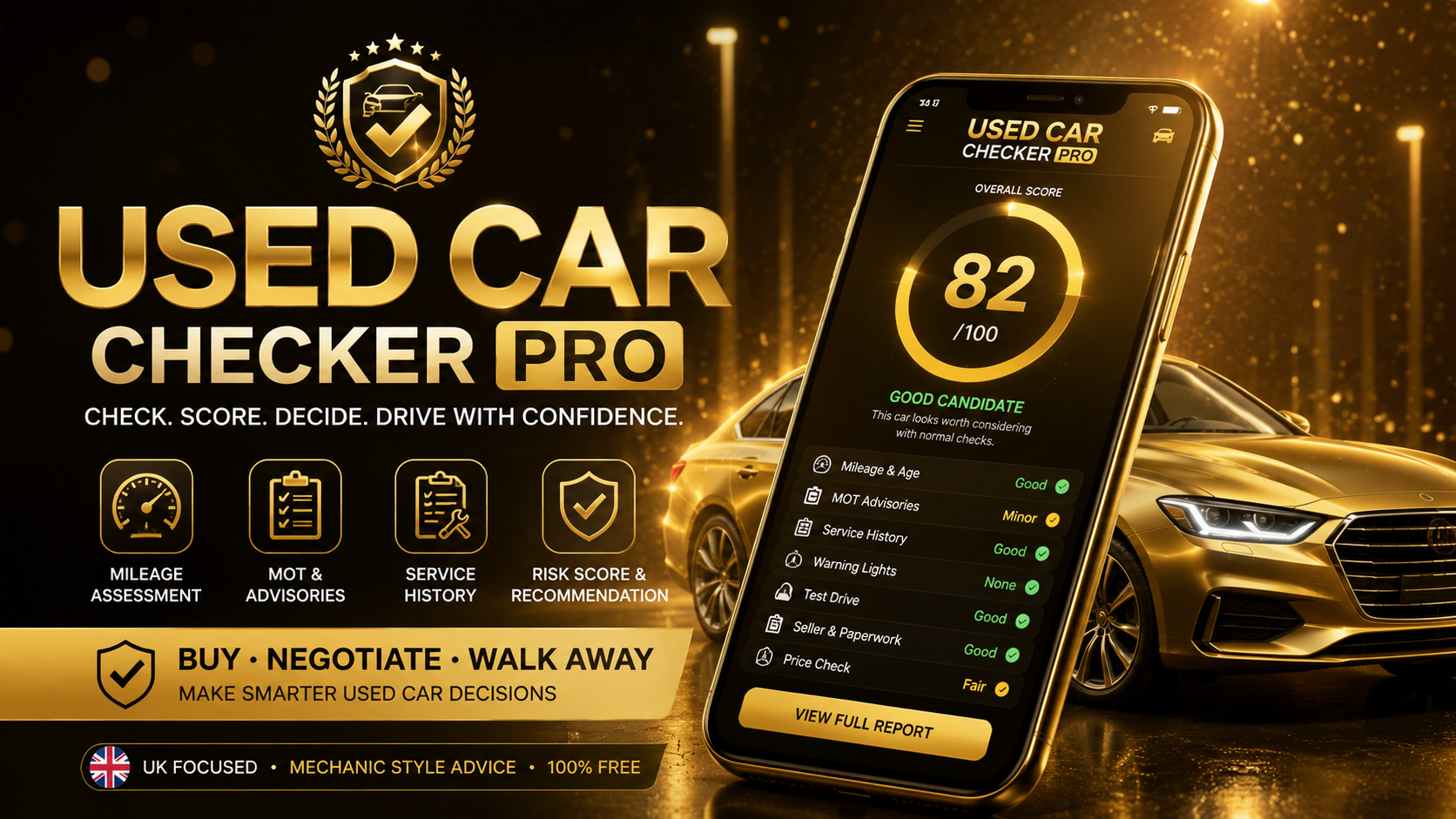
Used Car Checker Pro is a free web app that helps you decide whether a used car looks like a good candidate, needs careful inspection, should be negotiated down or should be avoided.
What Used Car Checker Pro checks
Mileage and age
Checks whether the mileage looks sensible for the age of the car.
Mileage guide →MOT history and advisories
Helps flag short MOTs, past failures, repeated advisories and future repair risk.
MOT history guide →Service history
Checks whether missing or weak service history increases buying risk.
No service history guide →Warning lights
Flags amber, red or flashing dashboard warning lights before purchase.
Warning lights hub →Seller and paperwork risk
Helps identify pressure selling, missing paperwork or unclear seller stories.
Used car scams →Repair risk
Considers test drive symptoms, smoke, overheating, clutch faults, leaks or gearbox concerns.
Car diagnostics guide →Who should use it?
First-time buyers
Useful before viewing a first car or comparing several used cars.
First car guide →Used car buyers
Good for checking whether a car looks sensible before paying a deposit.
Used car hub →Private sale checks
Helpful when paperwork, seller confidence or vehicle history needs closer attention.
Dealer vs private seller →How to use Used Car Checker Pro
- 1Enter the car age, mileage, MOT status and advisory level.
- 2Add service history, warning light, seller and test drive details.
- 3Review the score, red flags, positive signs and buying recommendation.
- 4Use the report before negotiating, arranging inspection or walking away.